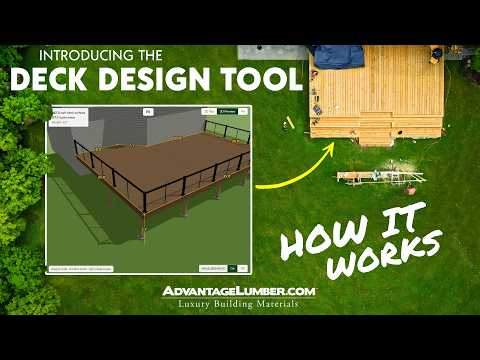
Introducing Sketch-A-Deck™, the exclusive, free DIY deck design tool from Advantage Lumber!
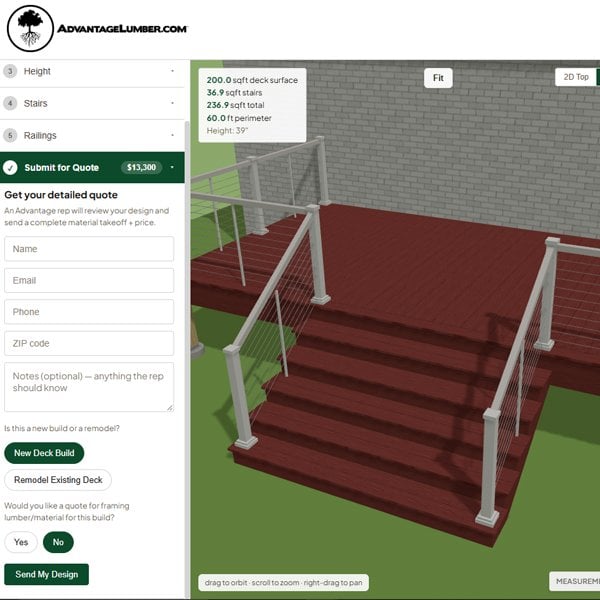
This easy-to-use tool walks you through every stage of the project planning process, from initial sketch and material selection to 3D visualization and cost estimation. Click the link below to get started, or keep reading to learn more about this exciting new tool!
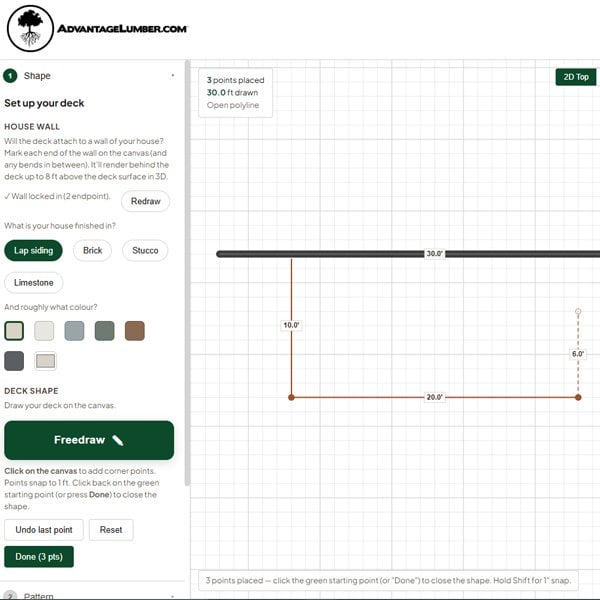
Mark your house wall, then design your footprint by free drawing or choosing a shape. Free-standing? No problem; just skip straight to drawing. Switch to the 3D preview at any time to see your deck come to life.
2. Dial in the Details
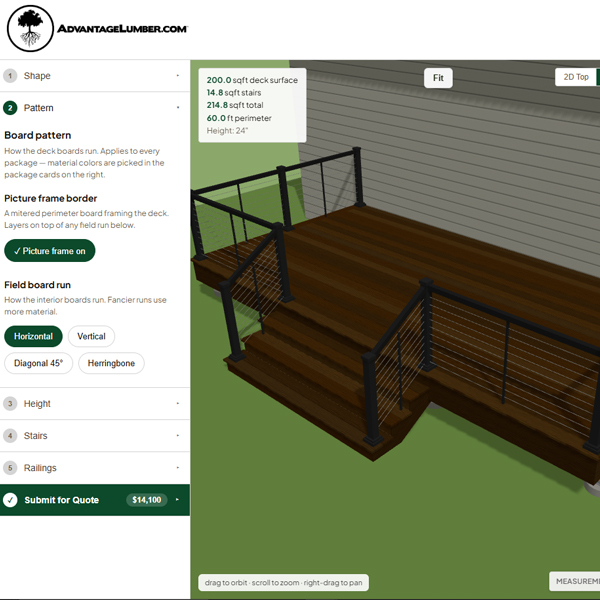
Choose your board pattern, set your deck height, and let the software handle the code rules and step counts. Add stair runs and toggle railings with a single click.
3. Pick Your Materials
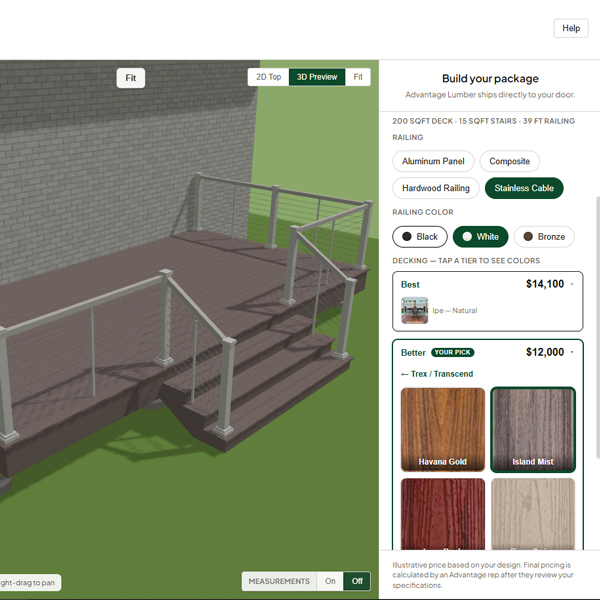
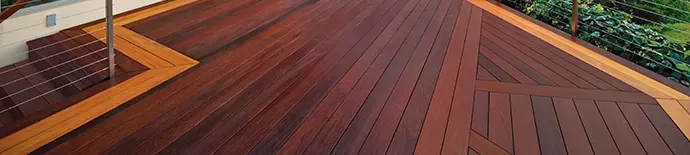
Select decking and railing materials to fit your style and budget. The live 3D preview automatically updates so you can easily compare colors and pricing.
4. You’re Done!
Once you’re happy with your design, hit submit. An Advantage specialist will review your design and follow up within one business day.